It was just after 7 a.m. when my phone rang.
A customer sounded frustrated.
“The screen was perfect yesterday. It rained all night, and now the image keeps flickering.”
His next question was exactly what I expected.
“Do I need to replace the LED modules?”
I told him to wait.
After years of repairing outdoor LED displays, I’ve learned that rain rarely destroys an entire screen overnight. Most of the time, the problem comes from moisture affecting power delivery or signal transmission—not dead LEDs.
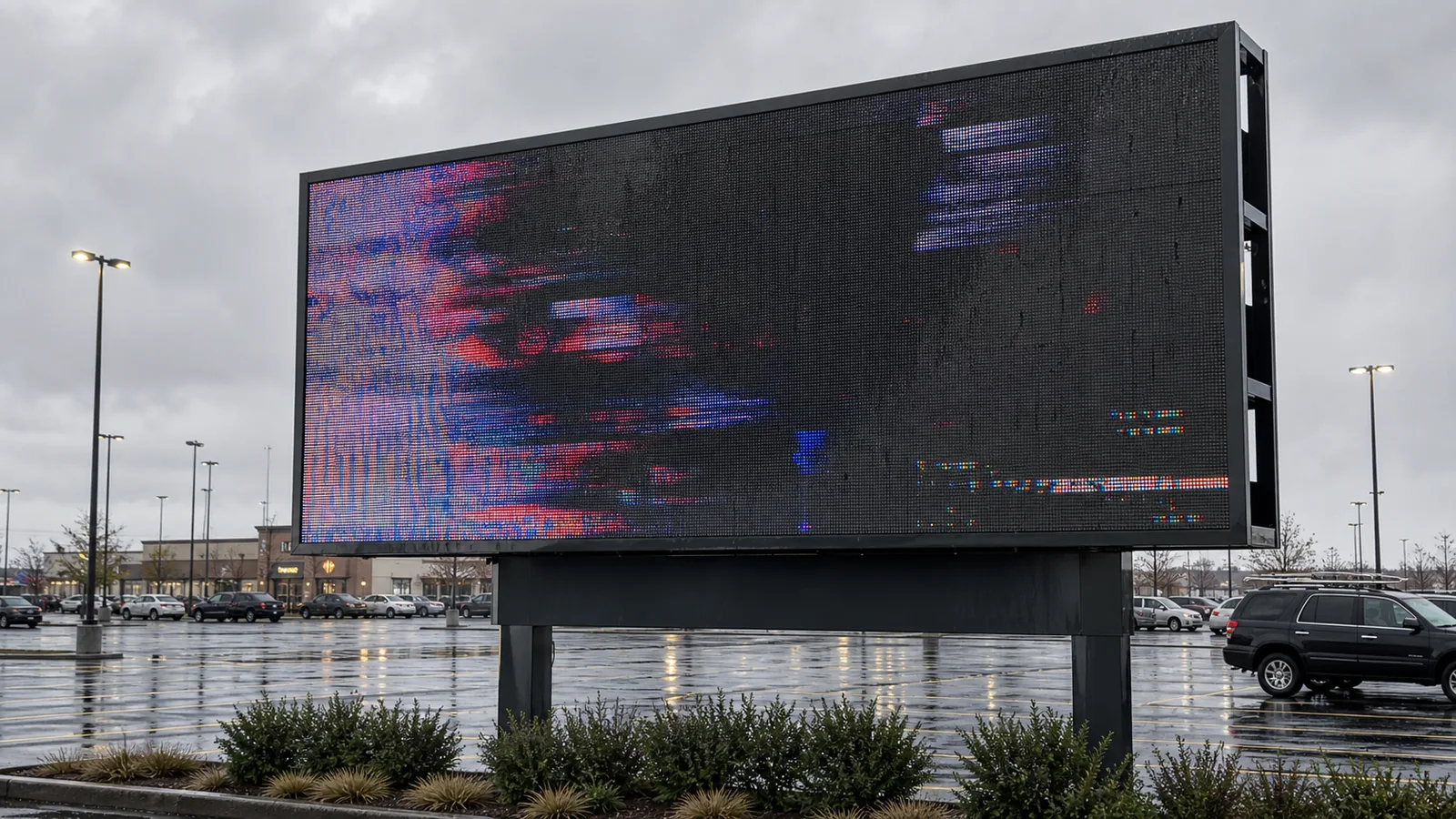
When I arrived, the display was still running.
The image wasn’t completely black.
Instead, random cabinets blinked irregularly.
That usually indicates unstable power or unstable signal transmission instead of dead modules.
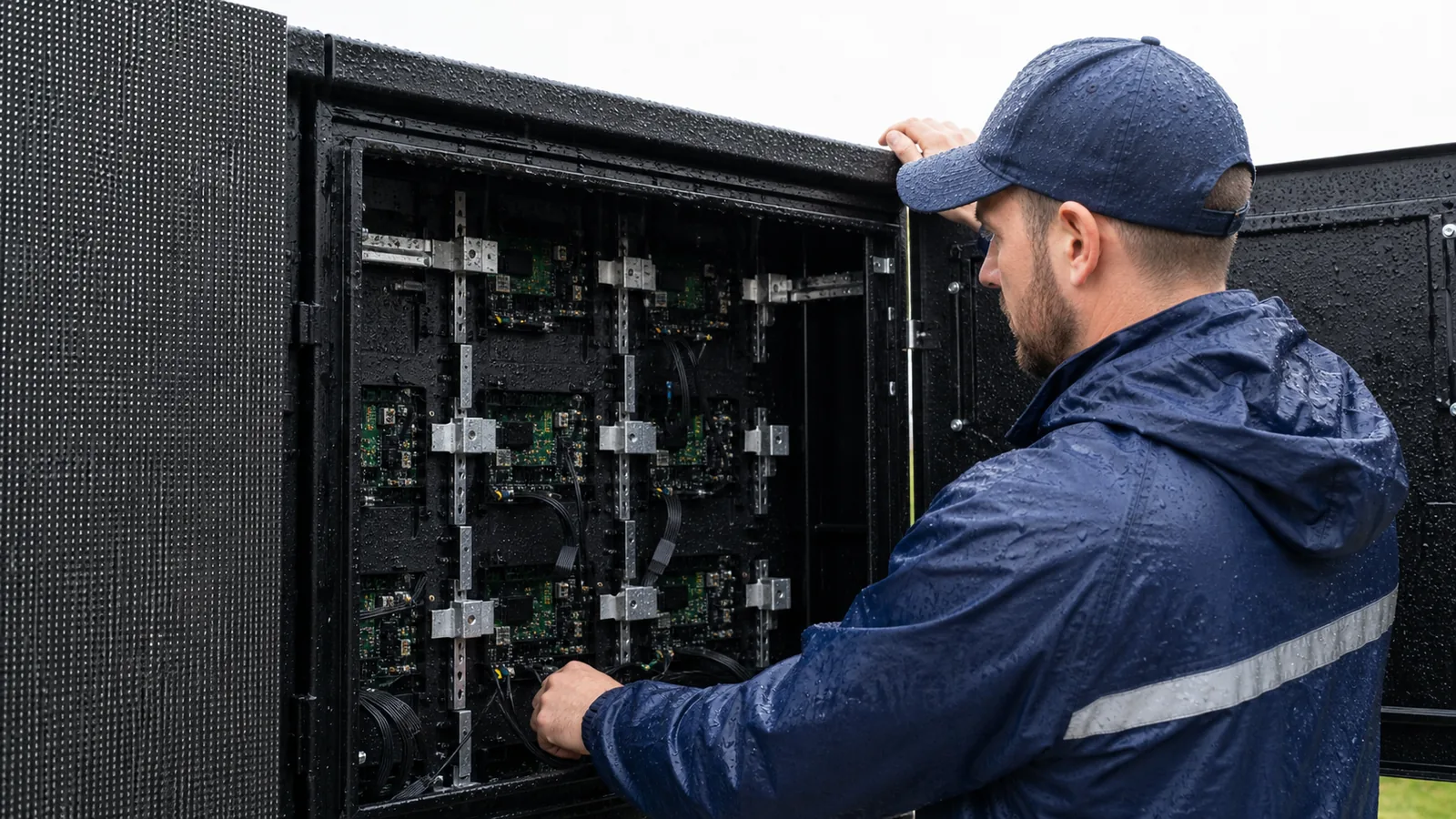
The first thing I always do is disconnect power completely.
Repeated restarting after rain may create additional damage.
Moisture and electricity never work well together.
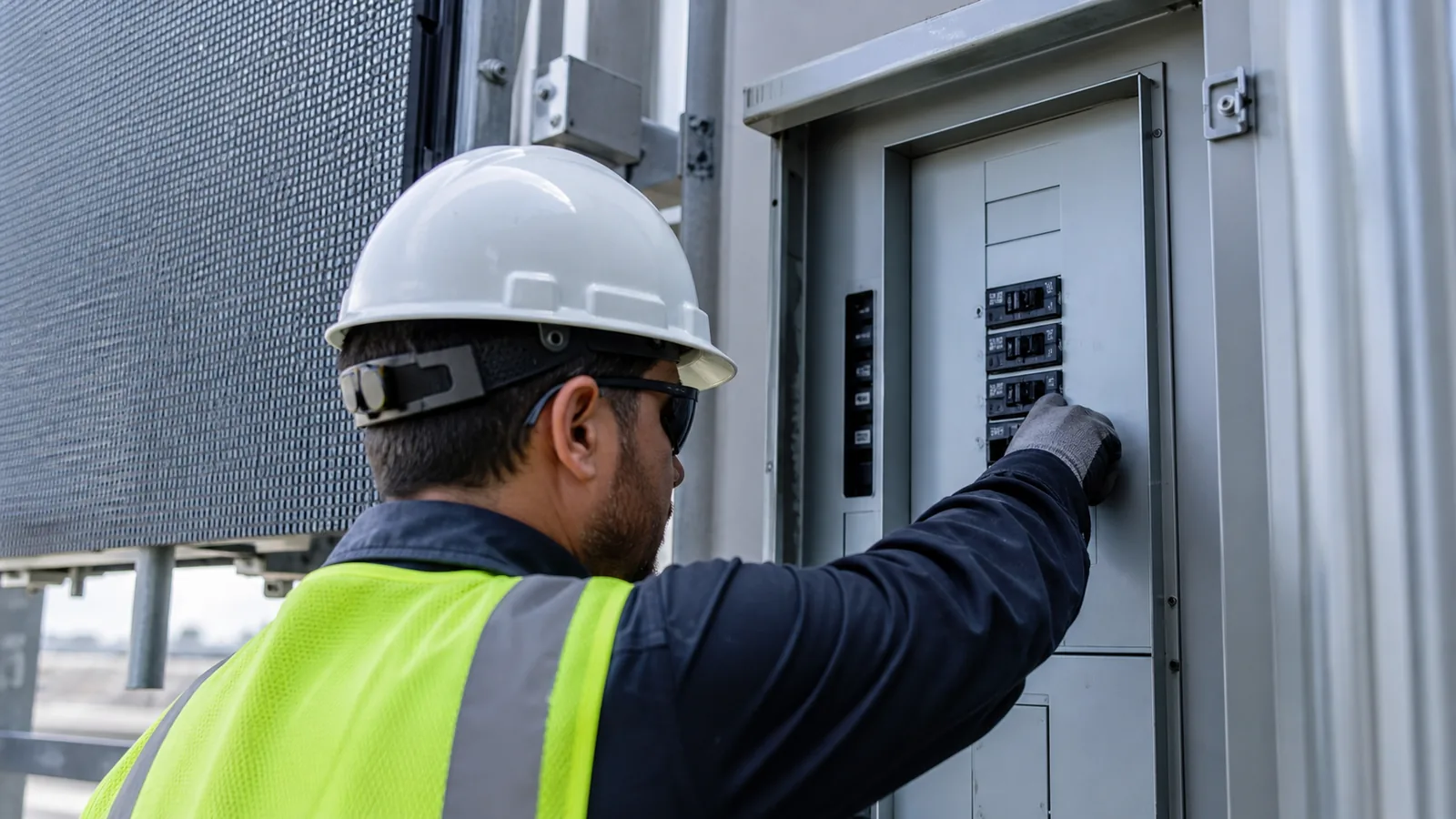
Then I inspect the cabinet carefully.
I am not looking for broken LEDs.
I am looking for condensation.
Tiny water droplets around the power supply or HUB board often explain random flickering.
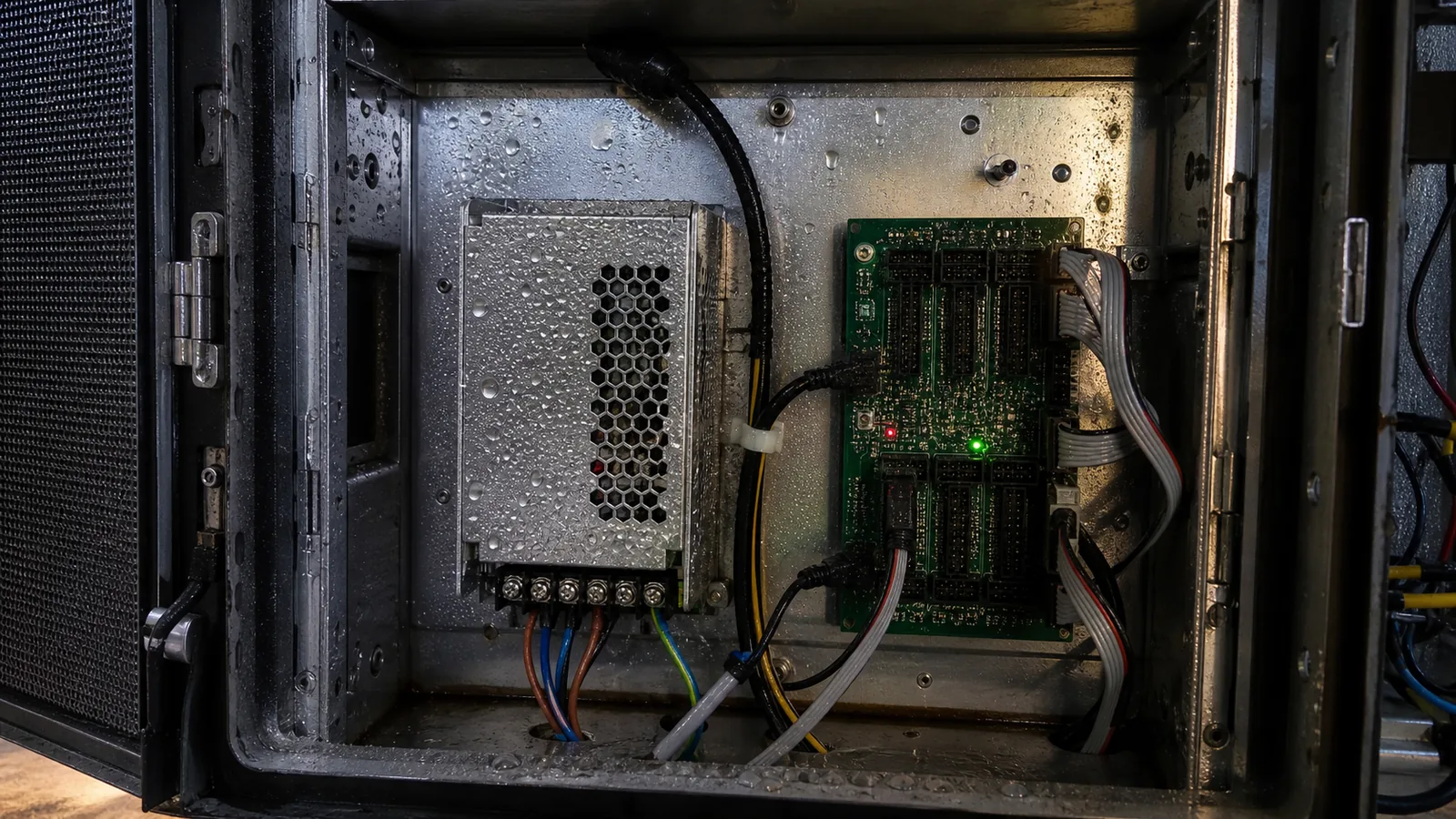
The switching power supply is usually my next inspection point.
Voltage instability causes random flashing, brightness changes and cabinet restart problems.
Many customers replace modules unnecessarily when the real problem is the power supply.
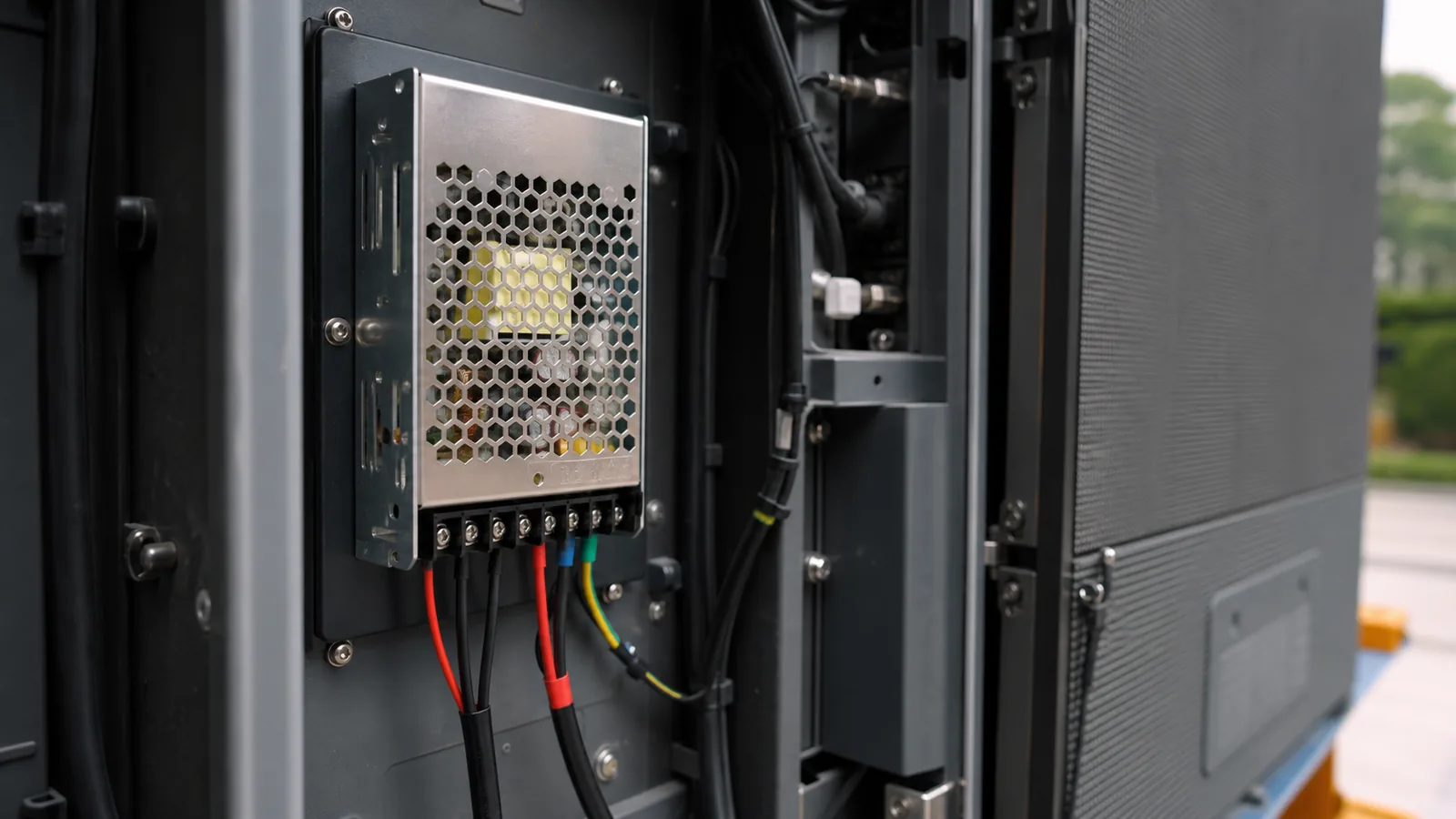
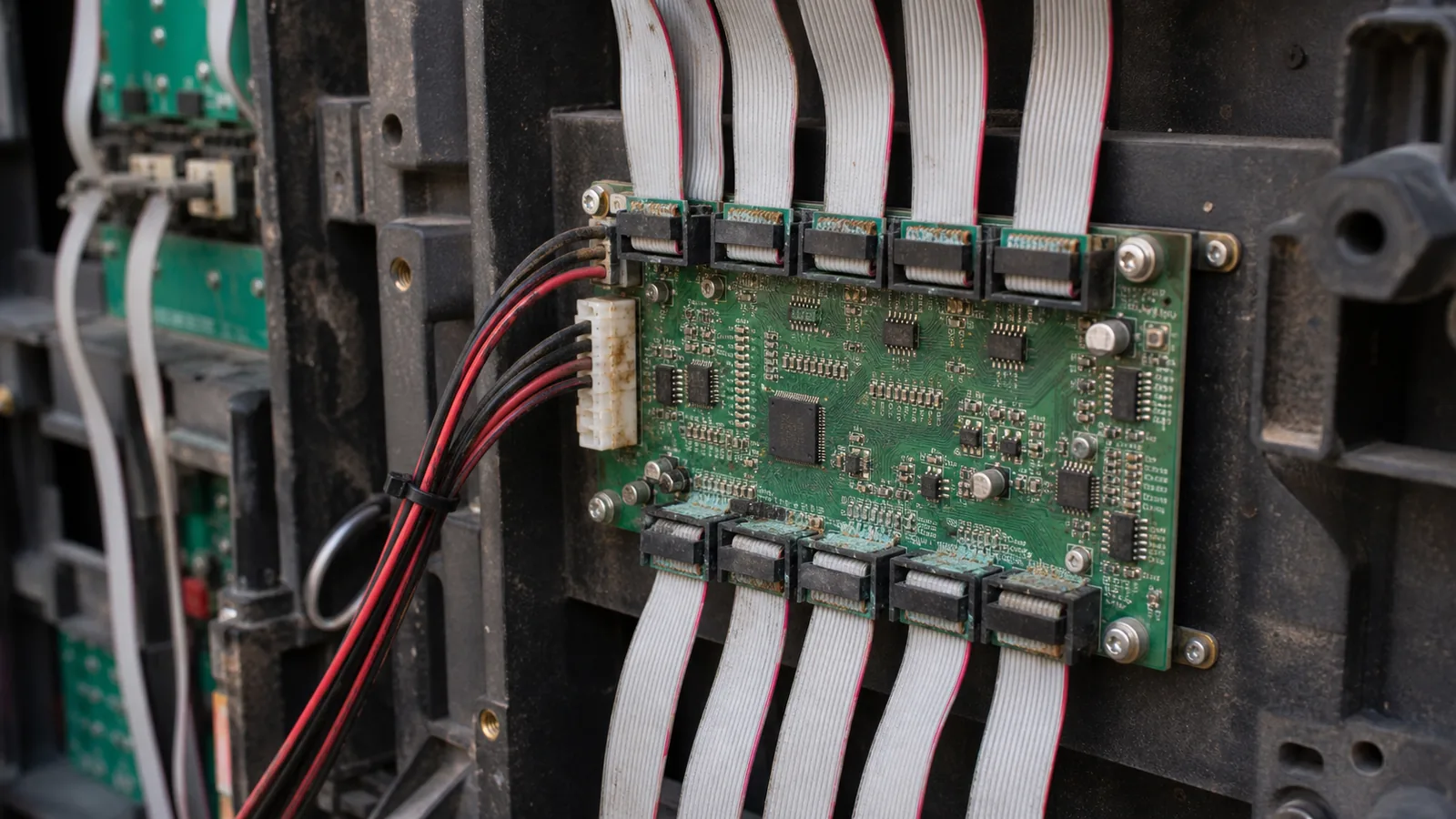
Next I inspect ribbon cables and HUB boards.
Moisture slowly oxidizes connectors.
Poor contact interrupts communication between receiving card and modules.
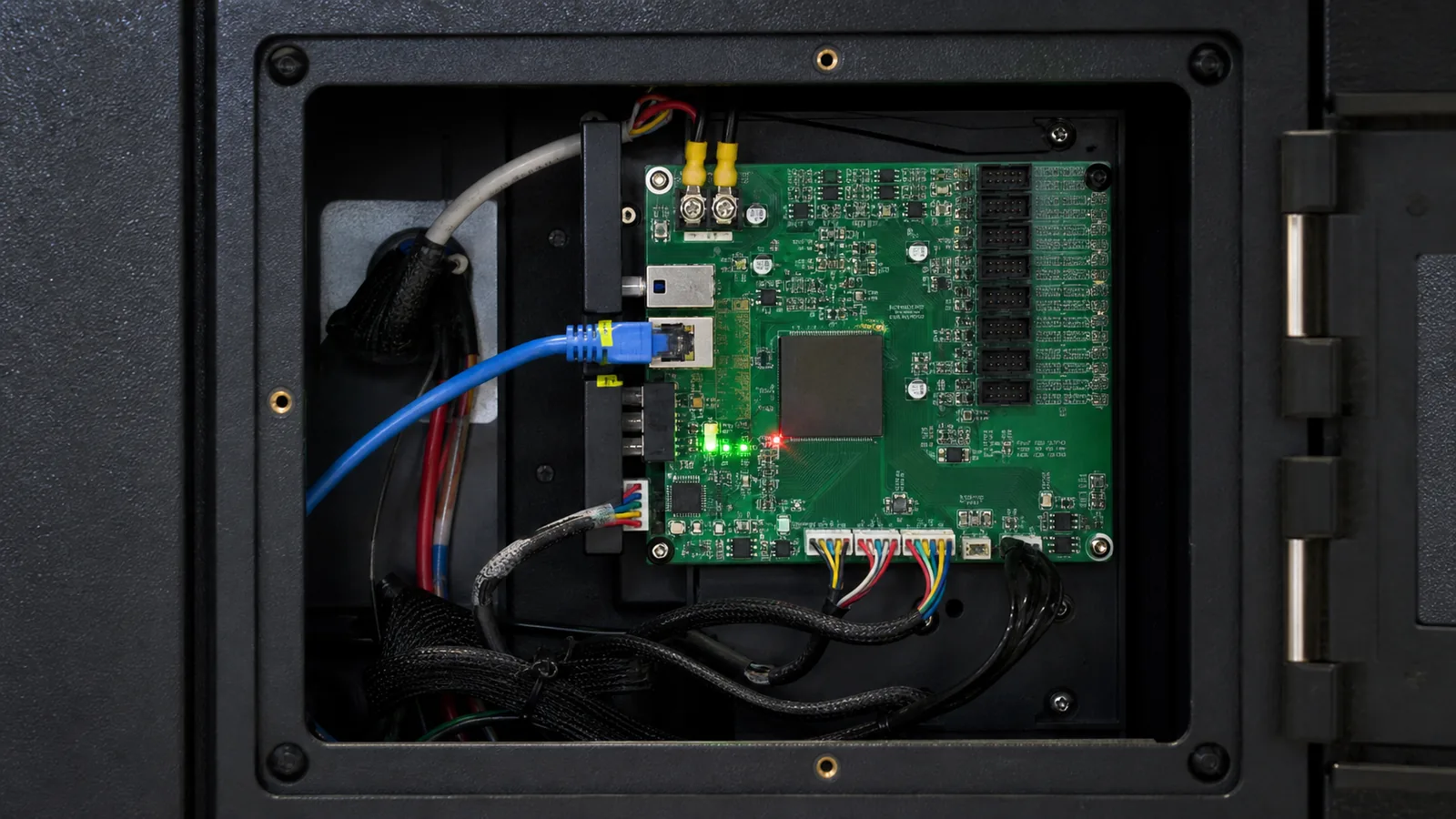
The receiving card deserves careful inspection.
Signal problems often appear before hardware failure.
Checking cables may save thousands of dollars in replacement costs.
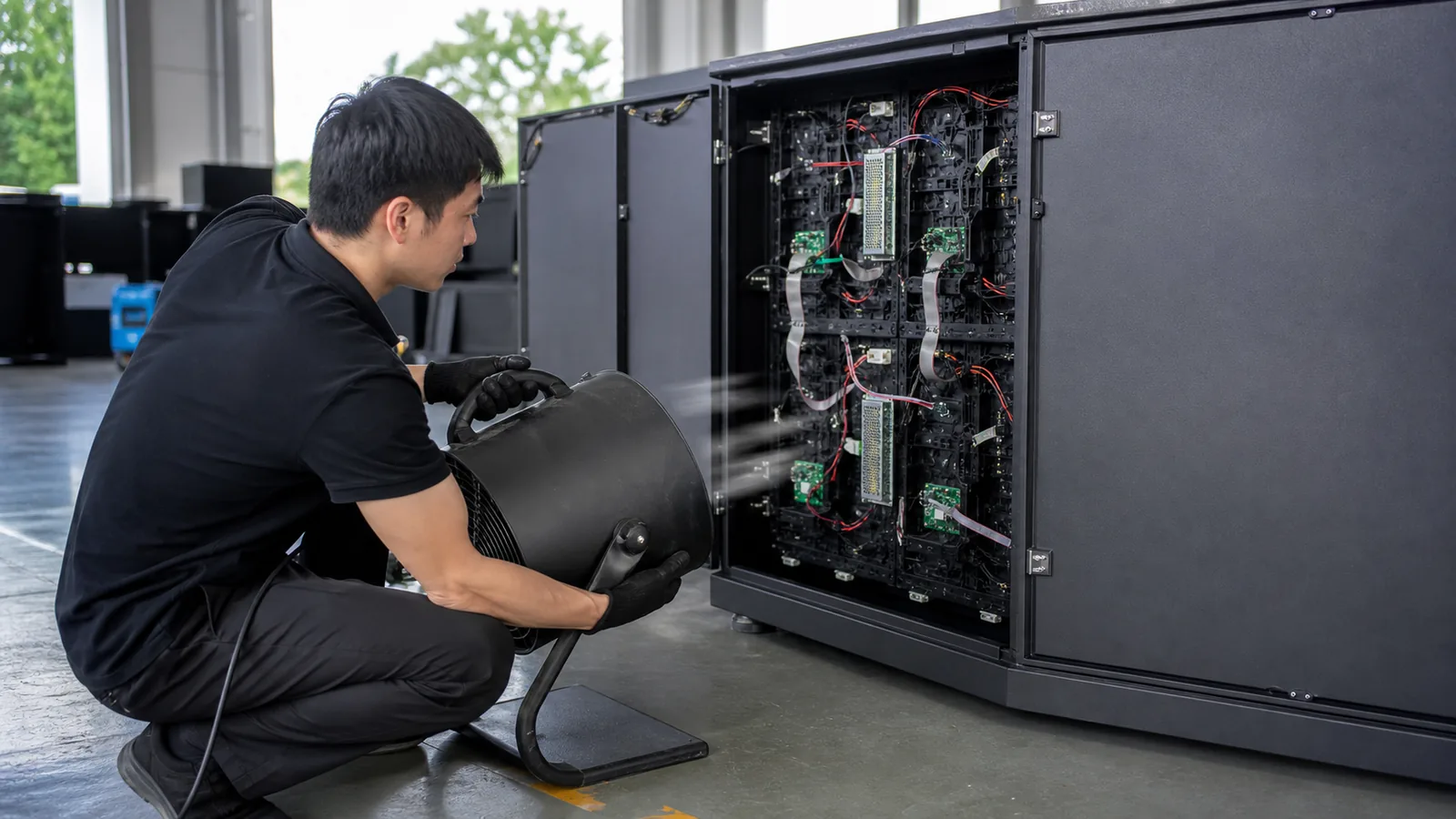
Once inspection is complete, drying begins.
Fans and airflow are safer than excessive heat.
Never rush the drying process.
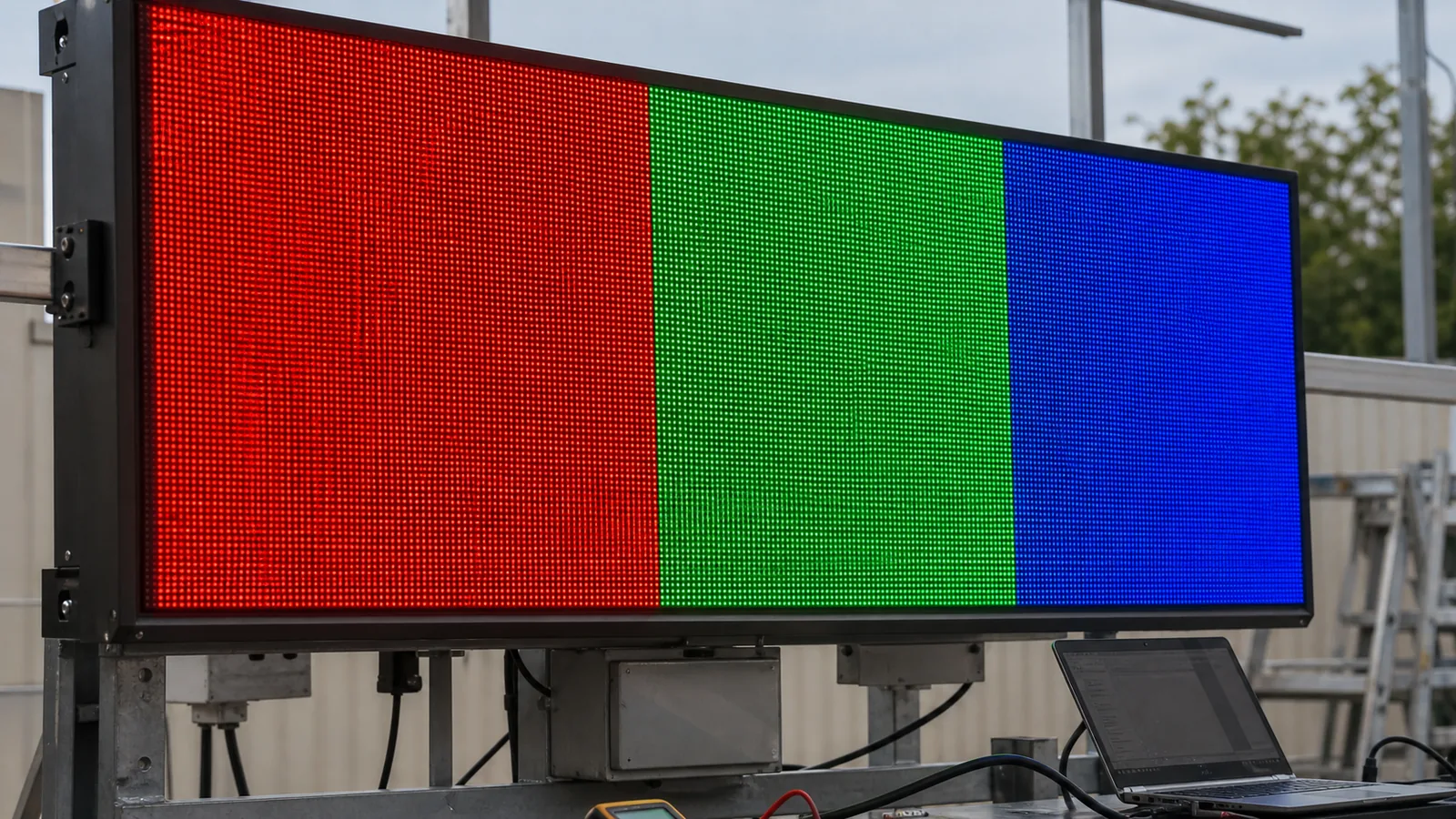
After drying, I start with RGB burn-in testing before returning to full brightness.
Most rain-related flickering problems disappear after moisture is removed.
Conclusion:
Heavy rain rarely destroys LED modules overnight.
Most failures originate from moisture affecting power, connectors, HUB boards or receiving cards.
Always inspect before replacing hardware.